

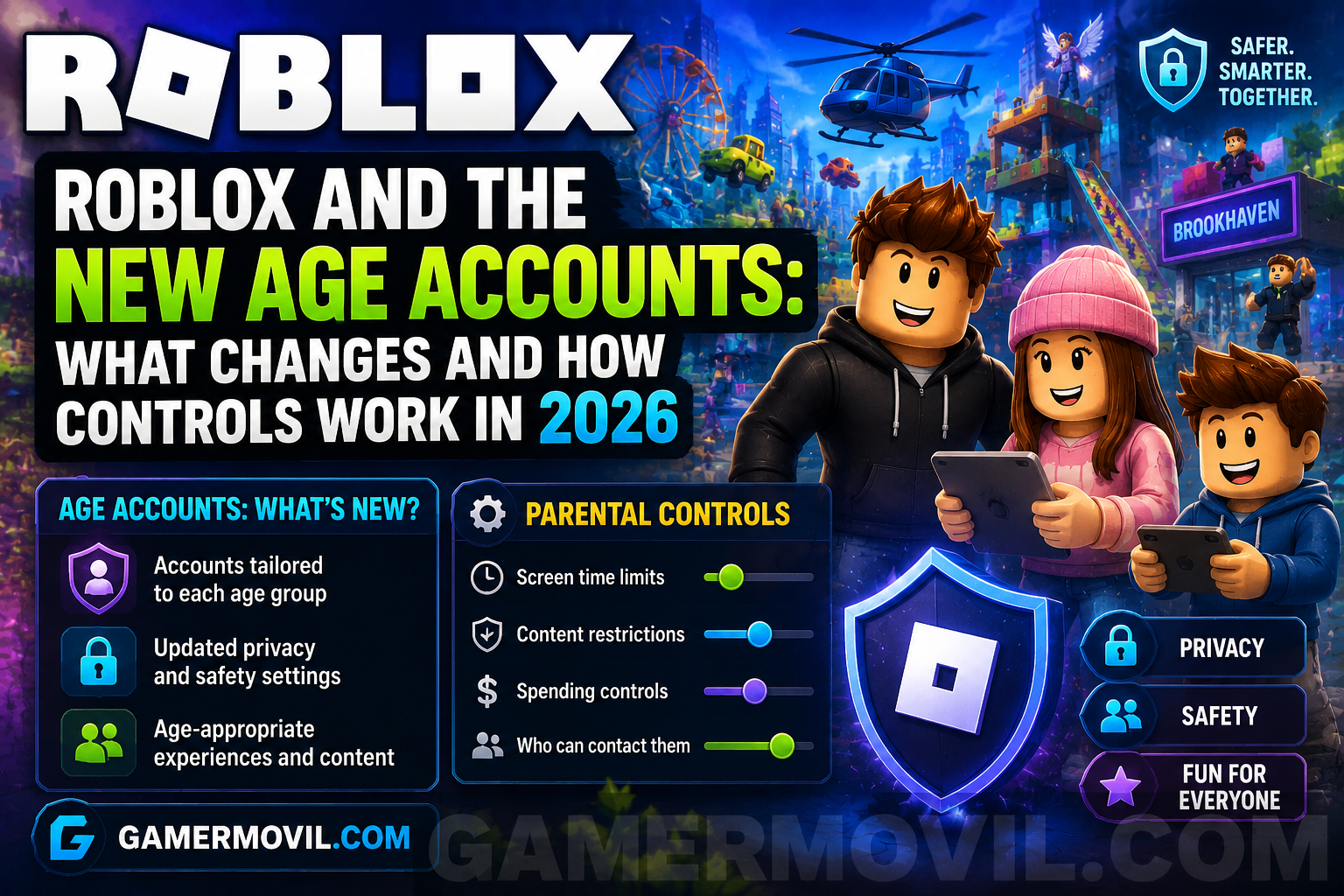
Roblox and the new age-based accounts: what changes and how controls work in 2026
Everything you need to know about Roblox Kids, Roblox Select, age checks, chat and family control tools.
💡 The most important thing: the Roblox experience in 2026 may change depending on the user’s age group, the verification completed, account controls and region.
🎮 What has changed in Roblox in 2026
Roblox has reorganized part of its experience around a system that is more clearly based on age. The change particularly affects users under the age of 16 and aims to adapt access to games, communication and family controls to different stages of development.
The result is a model with different account types and age groups. Younger accounts receive stricter default protections, while access to certain features gradually increases as the user’s age group changes.
The central idea is simple: not all users have access to exactly the same set of features. The experience may vary depending on verified age, account settings, parental controls and, in some cases, the region.
👤 Roblox Kids, Roblox Select and Roblox accounts
In 2026, Roblox particularly distinguishes between Roblox Kids for younger users, Roblox Select for older children and teenagers under 16, and Roblox accounts intended for users aged 16 and over.
Roblox Kids is designed for users aged 5 to 8. Roblox Select covers the 9 to 15 age range. From the age of 16, users move into the general Roblox account framework, always taking into account the checks and conditions required for certain features.
This system allows protections, the available catalog and communication options to be better adapted to each stage.
🔍 How age checks work
Age checking is one of the most important elements of the new system. Roblox mainly uses facial age estimation or verification through an official identity document for certain users and features.
Facial age estimation analyzes images and video captured during the process to estimate the user’s age group. The result is used to place the account in an appropriate age group and customize access to certain features.
Verification through an official document is another option available to users who meet the established requirements. Specific availability may depend on age and the applicable conditions.
The age declared when creating an account is no longer the only relevant factor for accessing certain features. These checks help Roblox apply protections based on age groups.
📊 Age groups and why they are important
The system uses age groups to adapt the experience. The groups used include 5-8, 9-12, 13-15, 16-17, 18-20 and 21 years or older.
These groups are not simply visual labels. They can influence access to communication, content and certain features. The goal is for interactions and available options to be better aligned with the user’s stage of development.
This means that two accounts may have different experiences even if both users play Roblox. Parental settings, age verification and regional restrictions can also modify the final result.
💬 What changes with chat
Chat is one of the areas where the new approach is most clearly visible. Age verification is required to access the corresponding communication features.
Younger users have particularly strict protections. For the youngest accounts, chat is disabled by default and certain options require parental involvement or authorization.
For older users, communication options are introduced gradually and may be connected to people in similar age groups. There is also the concept of Trusted Connections, designed for certain known and permitted relationships within the system.
Specific chat availability may vary depending on the region and account settings.
🧒 How Roblox Kids works
Roblox Kids is aimed at users between the ages of 5 and 8. It is the environment with the strictest default settings within the new model.
Access to content is focused on experiences with ratings appropriate for these ages. Chat remains disabled by default, and parental controls allow certain options to be managed.
Parents or guardians who link an account can use tools to adjust aspects of the child’s experience. This includes options related to communication and access to specific experiences.
The philosophy behind Roblox Kids is to provide a starting point with strong protections while allowing responsible adults to participate in important decisions.
🧑 Roblox Select: what it means for users aged 9 to 15
Roblox Select covers users aged 9 to 15 and represents an intermediate stage. The catalog and available options are adapted for users older than those in Roblox Kids while maintaining specific protections and reviews.
Communication is introduced progressively for the relevant groups and remains subject to age verification, settings and the necessary authorizations.
Parental controls also evolve according to age. This allows the user’s independence to increase gradually without suddenly removing all supervision tools.
🎲 Games, ratings and access to content
The new age-based accounts also affect how access to experiences is organized. Roblox uses content ratings and additional review processes for games available to users under the age of 16.
Roblox Kids accounts have access focused on content with ratings more appropriate for younger users. Roblox Select expands the possibilities for older age groups within the corresponding parameters. Accounts belonging to users aged 16 and over have different access to the catalog, with applicable exceptions and requirements for restricted content.
For families, this means that the age associated with an account is no longer an isolated piece of information and instead becomes part of a system that directly influences what the user can discover and play.
👨👩👧 How parental controls work
Parental controls allow linked parents or guardians to participate in configuring a minor’s experience.
The areas that can be managed include options related to communication and access to experiences. Controls may also offer different levels of visibility depending on the user’s age.
The best way to use them is not necessarily to block everything. A useful strategy is to review which features the player actually needs, enable only the appropriate options and check the settings again as the user grows older.
Parental controls work best as a tool for ongoing guidance rather than as a setting that is configured once and then forgotten.
🔒 Privacy and data in age checks
Age checks understandably raise questions about privacy. Roblox explains that facial age estimation uses the material needed to process the estimate and that the images and videos used are deleted after processing.
The system also includes mechanisms for correcting certain results when an estimate does not match the user’s actual age. The specific options depend on the user’s situation, age and the tools available for the account.
Before completing any verification, it is advisable to use only the official options integrated into Roblox and review the information displayed during the process.
✏️ What to do if your age has been estimated incorrectly
No automated system is perfect. For this reason, Roblox provides ways to correct certain situations when the estimated age group is incorrect.
The available options may include verification through an identity document for users who meet the requirements or the involvement of a linked parental account in certain cases involving minors.
Some changes are limited to prevent repeated modifications and maintain the integrity of the system. If an incorrect result appears, the best option is to review the official settings and use the correction method that applies to the account.
🤝 What are Trusted Connections?
Trusted Connections are part of the communication model based on known relationships. The goal is to allow certain forms of contact with people the user knows and trusts, even when the general age-group rules would limit other interactions.
The conditions for using this feature depend on verified age and the platform’s requirements. It should not be confused with indiscriminately adding any user as a friend.
For families and young players, the main idea remains important: only accept relationships with people you know and use blocking and reporting tools whenever an interaction becomes uncomfortable.
🎙️ Voice chat and age-based controls
Access to voice features is also connected to age requirements, verification and regional availability. Users who meet the relevant conditions may find controls for managing when they connect to this feature.
Voice should not simply be considered an automatic extension of text chat. It has its own requirements and may depend on the settings available in the region and on the account.
Parents and guardians should review these options independently from the rest of the communication settings, especially if the user is a teenager and is beginning to gain access to new features.
🏠 Practical guide for families
A good setup begins by linking accounts correctly when appropriate. After that, it is advisable to review the options available for communication, content and experiences.
The second step is to talk with the player. Technical controls are useful, but it is also important to explain why personal information should not be shared, how to block someone and when to ask an adult for help.
The third step is to review the settings regularly. The needs of an 8-year-old user are not the same as those of someone aged 13 or 15. The new account model is designed precisely around this gradual evolution.
🎮 What players should do
Players should check which age group has been assigned to their account and understand which features are available. If an option appears to be blocked, it is not advisable to look for external methods to bypass the restrictions.
Use only official Roblox processes to verify or correct your age. Avoid external services that promise to unlock chat or special features.
It is also advisable to review privacy settings, friend requests and blocking tools. Safety does not depend solely on an age check: the user’s decisions remain fundamental.
📊 Quick comparison of age-based accounts
The following table summarizes the general approach of the system. Specific options may vary depending on the region, settings and conditions applicable to each account.
📊 Roblox Kids vs Roblox Select vs Roblox
| Account type | Recommended age | Main focus |
|---|---|---|
| Roblox Kids | 5-8 years old | Stricter default protections and family controls |
| Roblox Select | 9-15 years old | Progressively adapted access for older users with safeguards |
| Roblox | 16 years old or older | Greater access to features and content according to applicable requirements |
❓ Frequently asked questions
Is age verification mandatory to use chat?
Chat features are connected to age verification requirements and other account configuration and regional conditions.
What happens if the age estimate is incorrect?
Roblox provides official procedures for certain corrections, which depend on the user’s age and the account’s specific situation.
Do parental controls replace conversations with minors?
No. Technical tools are more effective when combined with education about privacy, friendships and safe behavior on the internet.
In summary
Age-based accounts change the way Roblox organizes access to content, communication and controls. Roblox Kids provides the most protected environment for younger users, Roblox Select supports the transition toward greater levels of independence, and accounts for users aged 16 and over operate within a different access framework.
🔐 The key is understanding that age verification, parental controls and privacy settings work together.