

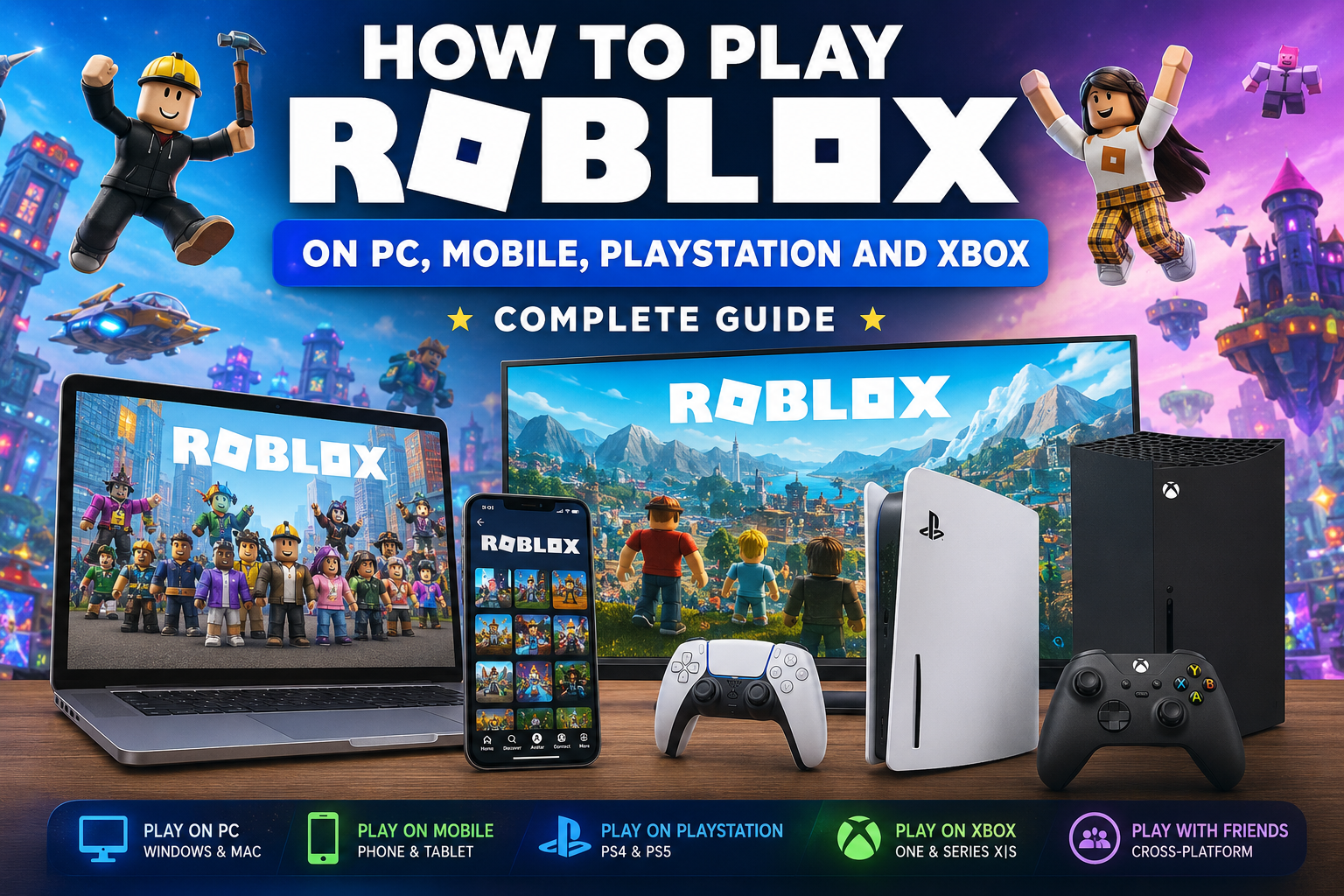
How to Play Roblox on PC, Mobile, PlayStation and Xbox: Complete Guide
Everything you need to know to download Roblox, create an account, sign in, play with friends and enjoy thousands of experiences from virtually any compatible platform.
🎮 IN THIS GUIDE YOU WILL FIND:
How to play Roblox on computers, phones and tablets, PlayStation and Xbox, how to use the same account on different devices, how to play with friends and what you should consider before choosing a platform.
📌 Guide Contents
What is Roblox and how does it work?
Roblox is an interactive entertainment platform made up of a huge collection of experiences created by developers and communities. One of its main features is that it is not limited to a single type of video game. Within Roblox, you can find adventures, horror games, simulators, role-playing experiences, racing games, competitive games, social worlds and cooperative experiences.
For that reason, starting to play Roblox can feel different from installing a traditional video game. You do not enter a single world with a specific campaign. Instead, you access a platform where you can continuously discover new experiences.
Your Roblox account is at the center of everything. Your avatar, your friendships and much of your activity are connected to it. This allows you to use the same account across different compatible devices.
What platforms can you play Roblox on?
Roblox is available on different types of devices. The exact experience may vary depending on the platform, the available controls and whether a specific experience has been prepared by its creator to work properly on consoles.
| Platform | How You Play | Main Advantage | Ideal For |
|---|---|---|---|
| PC | Keyboard and mouse | Flexibility and precision | Regular players |
| Mac | Keyboard and mouse | Desktop comfort | macOS users |
| Mobile | Touchscreen | Portability | Playing anywhere |
| PlayStation | Controller | Comfort on a large screen | Console players |
| Xbox | Controller | Living room experience | Console gaming |
How to Play Roblox on PC
Computers remain one of the most complete and flexible ways to enjoy Roblox. The combination of a keyboard and mouse is especially convenient for experiences that require quick movements, building, inventory management or a large number of controls.
Creating an Account
The first step is to create a Roblox account. Choose a username that you want to use to identify yourself on the platform and use a secure password.
It is also recommended to keep your recovery methods and available security options updated to avoid losing access to your account.
Installing Roblox on Windows
On a compatible computer, the general process involves accessing Roblox, signing in and opening an experience. The system will guide you through installing the application needed to run the games.
Once the installation is complete, you can select experiences from the platform and open them directly.
What Do You Need to Play on PC?
Roblox is designed to work on a wide variety of computers, although more demanding experiences may require a more modern system. Visual quality and performance also depend on the specific game.
In general, an up-to-date computer with a modern processor, sufficient memory and a stable internet connection will provide a more comfortable experience. Roblox maintains official requirements for supported systems, while some particularly complex experiences may require more resources than others.
Advantages of Playing on a Computer
- Greater precision with a keyboard and mouse.
- A larger screen on desktop computers.
- Greater comfort for certain complex experiences.
- Flexibility for managing different account features.
- The possibility of using different input devices depending on your setup.
How to Play Roblox on Mobile and Tablet
Phones and tablets are some of the most convenient ways to access Roblox when you want to play away from home. The biggest advantage of this version is obvious: you can take the platform with you virtually anywhere.
Installation
The process involves downloading the Roblox application from the appropriate store for your device’s operating system. After that, you simply need to sign in with your account.
If you were already playing on a computer or another device, you do not need to create a different account. You can use the same account to continue accessing your profile.
Touch Controls
On mobile devices, the controls are adapted to the touchscreen. You will normally find virtual controls for moving, controlling the camera and performing the actions available within each experience.
The exact layout may vary because Roblox contains games created by different developers. A simple experience may work perfectly with touch controls, while another designed with many features may feel more comfortable on a computer.
How to Play Roblox on PlayStation
Roblox is available on PlayStation 4 and PlayStation 5 in supported territories. The application allows you to access experiences prepared for console play and use the controller as the main control system.
How to Install Roblox on PlayStation
- Turn on your PlayStation.
- Open the console’s digital store.
- Search for Roblox.
- Add it to your library and complete the download.
- Open the application.
- Sign in with your Roblox account.
Once inside, you can browse the available experiences and select those compatible with consoles.
How to Sign In
If you already have an account, you can use the available sign-in methods to link your access. This is especially useful if you are coming from PC or mobile and want to keep using your main account.
The connection between a Roblox account and a PlayStation Network account has specific rules, so it is important to carefully check which account you are connecting before confirming the process.
Can You Play with Friends on Other Platforms?
Yes. Roblox allows cross-platform play in compatible experiences. This means you can play with people using computers, Macs or mobile devices whenever the experience and its settings allow it.
Features That May Vary
The PlayStation version is mainly designed for playing. Some platform features may be managed differently compared with PC or mobile. In addition, not all experiences offer exactly the same support across every device.
For this reason, if you find a game that does not appear or does not work properly with a controller, its creator may not have prepared that experience for consoles.
How to Play Roblox on Xbox
Xbox is another great option for enjoying Roblox from your living room. The application is designed for controller use and provides access to experiences compatible with consoles.
Step-by-Step Installation
- Open the Xbox Store.
- Search for Roblox.
- Download the application.
- Open it from your library.
- Sign in with your account.
- Find a compatible experience and press play.
You can also customize your avatar’s appearance from Xbox, although certain platform features may be more complete or convenient to use from PC or mobile.
Playing with Friends on Xbox
Roblox allows you to play with friends using other compatible platforms. If you want to meet in the same experience, the friends system and available joining options can help you enter the same server.
How to Create a Roblox Account and Use It on Different Devices
One of Roblox’s biggest advantages is that your identity does not depend on a single device. Your account is the foundation through which you access the platform.
For that reason, if you first play on mobile and later install Roblox on PC, you can normally continue using the same account instead of starting from scratch.
Why You Should Protect Your Account
Your account may contain important information related to your Roblox experience, such as your avatar, your friends and certain items or progress connected to experiences.
Use a unique password and avoid sharing your login information. You should also be suspicious of websites that promise impossible items, Robux or advantages in exchange for entering your password.
Never Share This Information
- Your password.
- Verification codes.
- Recovery information.
- Data sent through authentication systems.
How to Play Roblox with Friends
Playing with other people is one of the most important features of Roblox. Depending on the experience, you can cooperate, compete, explore or simply share a virtual world.
Adding Friends
From Roblox versions that offer the corresponding feature, you can search for users and send friend requests. On certain console platforms, some social features may require accessing your account from PC or mobile in order to manage them completely.
Joining the Same Experience
Once you have friends on Roblox, you can use the available options to try to join the same experience. On consoles, there are also specific features related to the social systems of PlayStation or Xbox.
If you have trouble meeting in the same server, a simple strategy is for one person to join first and for the other person to then use the available options to join them.
Can You Play Between PC, Mobile, PlayStation and Xbox?
In many compatible experiences, yes. Cross-platform play is one of the features that allows players using different devices to share games.
However, it is important to understand that cross-platform play does not mean that absolutely every experience works identically on every device.
The creator of each experience must consider compatibility with different platforms. A game designed exclusively with keyboard and mouse in mind may not offer the same experience when played with a controller.
| Combination | Can Players Play Together? | What You Should Check |
|---|---|---|
| PC + Mobile | Yes, in compatible experiences | Experience compatibility |
| PC + PlayStation | Yes, when available | Console support |
| PC + Xbox | Yes, when available | Console support |
| Mobile + Console | Yes, in compatible experiences | Settings and compatibility |
What Is the Best Platform for Playing Roblox?
The answer depends on how you want to play.
PC: The Most Versatile Option
A computer is an excellent choice for players who want precision, flexibility and a comfortable interface for using a keyboard and mouse.
Mobile: The Most Practical Option
It is perfect for quick gaming sessions and for players who want to access Roblox from anywhere.
PlayStation: Comfort on a Large Screen
It is a good alternative for players who prefer relaxing on the sofa with a controller and a television.
Xbox: Ideal for Regular Console Players
It offers a controller-focused experience and makes it easy to play within the Xbox ecosystem.
🏆 Our Recommendation
If you want the greatest flexibility, PC is usually the most complete option. If you prioritize convenience and casual gaming, mobile is an excellent choice. If you prefer playing on a television with a controller, PlayStation or Xbox may be the best option.
What to Do If Roblox Is Not Working Properly
Check Your Connection
An unstable connection can cause lag, disconnections or difficulties when entering experiences. Before changing more complex settings, make sure your connection is working properly.
Update the Application
Using an updated version helps prevent compatibility problems. If Roblox displays errors after you have not used it for a long time, check whether an update is available.
Restart Your Device
A simple restart can solve temporary problems related to memory, background applications or connections.
Reduce the Graphics Quality
If an experience is running slowly, try reducing the graphics settings. Not all Roblox games have the same technical requirements.
Check Whether the Problem Is Limited to One Experience
If Roblox works normally but a single game has problems, the error may be related to that specific experience.
Frequently Asked Questions About Playing Roblox
Is Roblox Free?
Access to Roblox and many experiences is free. Some experiences and items may include optional purchases.
More information in our guides:
Roblox Plus: What It Is, Price, Benefits and Whether It Is Worth It in 2026
How to Get Free Items in Roblox in 2026: Accessories, Clothing and Rewards
How to Find the Best Roblox Games: Guide to Discovering New and Popular Games
Can I Use the Same Account on PC and Mobile?
Yes, you can sign in with the same account on compatible devices.
Can I Play with Someone Who Is Using Another Platform?
In experiences compatible with cross-platform play, players can share games using different devices.
Do All Experiences Work on PlayStation and Xbox?
Not necessarily. Experiences must be compatible with consoles and their control systems.
Roblox 2026: All the New Features, Changes and Updates You Need to Know
Do I Need to Create a Different Account for Each Device?
No. It is recommended to use the same main account across all compatible devices.
Our Roblox security guide can help you.
Which Platform Is Best for Beginners?
It depends on which devices you have. Mobile is very accessible, while PC offers greater precision and flexibility. Consoles are ideal for players who prefer using a controller.
Why Can’t I Find a Game on My Console?
It is possible that the experience is not compatible with consoles or that its availability differs depending on the platform.
The 25 Best Roblox Horror Games in 2026
How to Find the Best Roblox Games: Guide to Discovering New and Popular Games
Can I Play Roblox with a Controller on a Computer?
Compatibility depends on your device configuration and the experience itself. Some experiences are specifically prepared for different control systems.
In Summary
Roblox can be enjoyed on computers, mobile devices and different compatible consoles, making it possible to access the platform from virtually any type of gaming setup.
Computers stand out for their flexibility, mobile devices for their convenience and portability, while PlayStation and Xbox offer an experience designed for playing with a controller on a large screen.
The key to getting the most out of Roblox is using one well-protected account, checking the compatibility of each experience with your device and taking advantage of the possibilities of playing with friends whenever the experience allows cross-platform gaming.
🎮 No matter where you play: the most important thing is finding the experiences that best suit you and enjoying everything the universe of Roblox has to offer.