


13 Best Forex Simulators for Mobile [Tested in 2025]
Did you know that between 65% and 89% of retail investor accounts lose money when trading forex? This alarming statistic reminds us why the best forex simulator is an essential tool before risking your real capital.
We’ve personally tested the leading forex trading apps on the market to find simulators that truly allow you to practice risk-free. A good forex simulator should offer realistic conditions, especially when looking for mobile options. Although many Spanish traders operate from their mobile devices, not all platforms offer the same experience. The MT4 forex simulator remains popular, but there are alternatives that might better suit your specific needs.
In this guide, we analyze 13 proven options to help you find the best forex simulator that suits your trading style. From platforms with over 1,400 trading instruments to applications with near-instant execution in 99.35% of trades, we’ve evaluated every detail to make your choice easier.
MetaTrader 4 Mobile
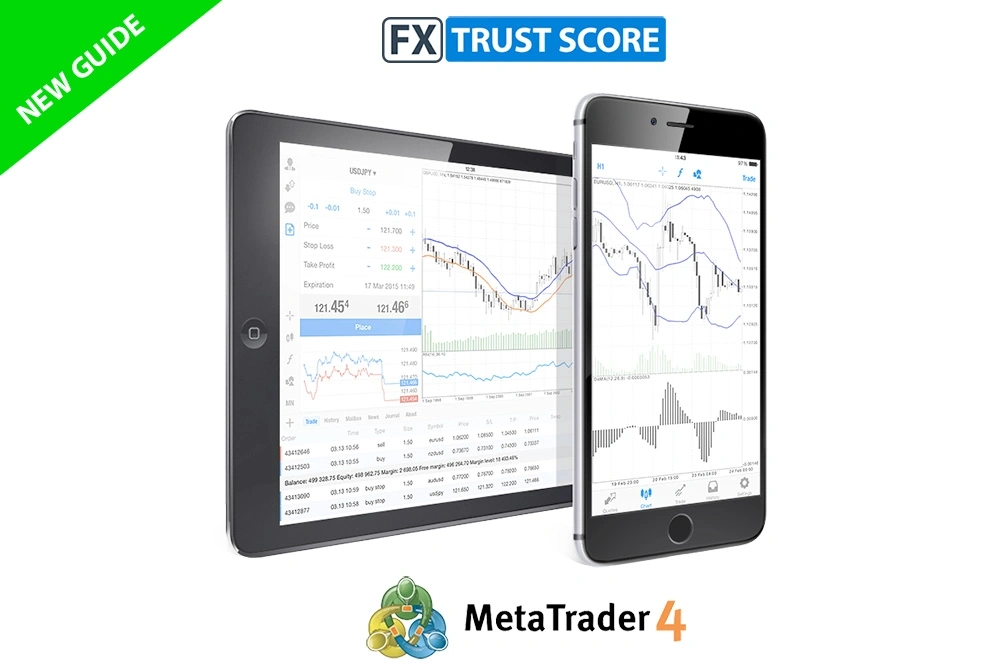
Image Source: FX Trust Score
MetaTrader 4 Mobile is an indispensable tool for traders who need mobility. Since its launch in 2005 , this platform has established itself as the standard in the online trading sector [1] .
Features of MetaTrader 4 Mobile
This application offers a comprehensive experience with customizable, easily expandable interactive charts [1] . It includes 30 popular technical indicators and 24 analytical objects for detailed analysis [2] . It also provides 3 chart types (bars, candlesticks, and broken line) with 9 available timeframes [2] .
A notable advantage is one-click trading directly from the charts [3] . Furthermore, it allows access to real-time financial news for informed decision-making [2] .
Advantages of using MetaTrader 4 as a forex simulator
As a forex simulator, MT4 stands out for its 85 pre-installed custom indicators [4] . The ability to create a demo account is perfect for beginners who want to practice strategies without risking real capital [5] .
The simulator eliminates the emotional component of trading, allowing for more objective decisions [5] . On the other hand, its analytical tools facilitate informed decision-making [4] .
Mobile Device Compatibility
The application is available for both Android and iOS, requiring only Android 4.0 or higher [6] . Requiring only 4.2 MB of space [6] , it can be easily downloaded from Google Play or via APK, ensuring access from virtually any modern smartphone [7] .
MetaTrader 5 Mobile
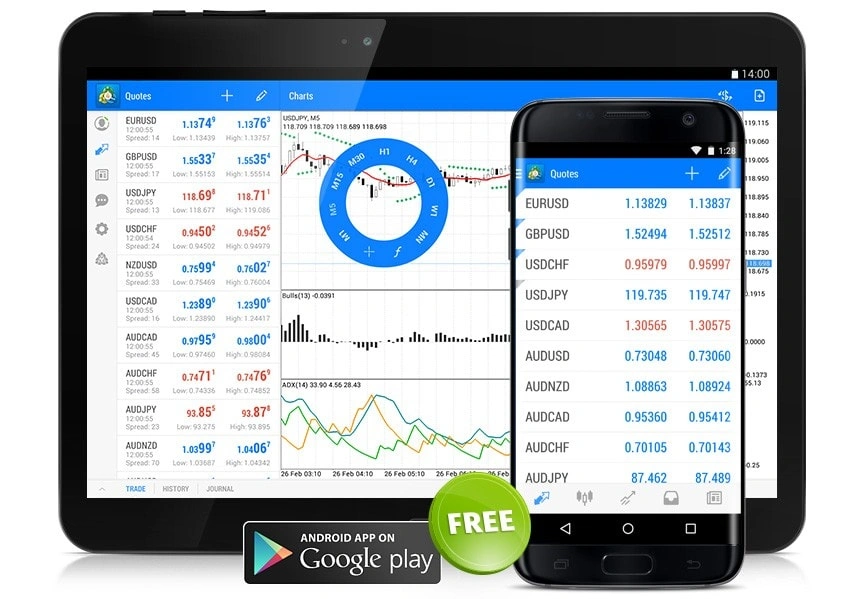
Image Source: MetaTrader 5
The evolution of mobile trading reaches its peak with MetaTrader 5, a multi-asset platform that goes beyond traditional forex. With an overall rating of 4.4 stars based on 48 user reviews [8] , this simulator demonstrates its popularity among traders of all levels.
Advanced features of MetaTrader 5
MT5 offers over 100 technical indicators and chart objects [8] , enabling detailed analysis from anywhere. It also includes a powerful built-in economic calendar [8] and Market Depth feature [9] , essential tools for informed decision-making. Its ability to program Expert Advisors (EAs) using MQL5 enables complete automation of strategies and 24/7 trading [8] .
MetaTrader 5 as an improved forex simulator mt4
Unlike its predecessor, MT5 functions as a trading simulator with virtual funds [8] , ideal for becoming familiar with the platform. Furthermore, it supports a wider range of financial instruments, including stocks and futures [9] . This improved forex simulator features additional timeframes that allow for more precise market analysis [10] .
User interface and experience
Navigation on mobile devices is intuitive through a system of widgets and plugins [11] . However, the experience is not as enjoyable as on computers due to the screen size [8] . Notably, the mobile version retains all essential functions: real-time quotes, 30 popular technical indicators, and full trading capabilities [12] .
cTrader App
Image Source: FX News Group
Developed by Spotware Systems in 2010 , cTrader has emerged as a powerful alternative to MetaTrader platforms [13] . This forex trading app has gained popularity among brokers seeking options beyond traditional solutions [14] .
Key features of cTrader
cTrader combines ultra-fast execution speed with the ability to handle large volumes of data [15] . The platform includes over 50 popular technical indicators and various drawing tools accessible directly from the charts [1] . Furthermore, it offers a Level II pricing model with unparalleled depth of market (DOM) [13] , enabling detailed volume and price analysis.
cTrader as the best forex simulator for technical analysis
This forex simulator stands out for its advanced customization and sorting capabilities [16] . It features 26 timeframes, ranging from one minute to one month [1] , surpassing the options available in MT4. It also offers four chart types: candlesticks, bars, lines, and points [1] , ideal for traders seeking versatility in their technical analysis.
Compatible mobile platforms
The application is available for:
- Android (Google Play and APK)
- iOS (App Store)
- Amazon App
- Huawei AppGallery
- Samsung Galaxy Store [17]
Furthermore, it offers identical functionality to the desktop version through its HTML5 web version, accessible from any modern browser [15] . Synchronization between platforms allows monitoring of positions regardless of location [18] , making cTrader the best forex simulator for traders who need continuous mobility.
TradingView App
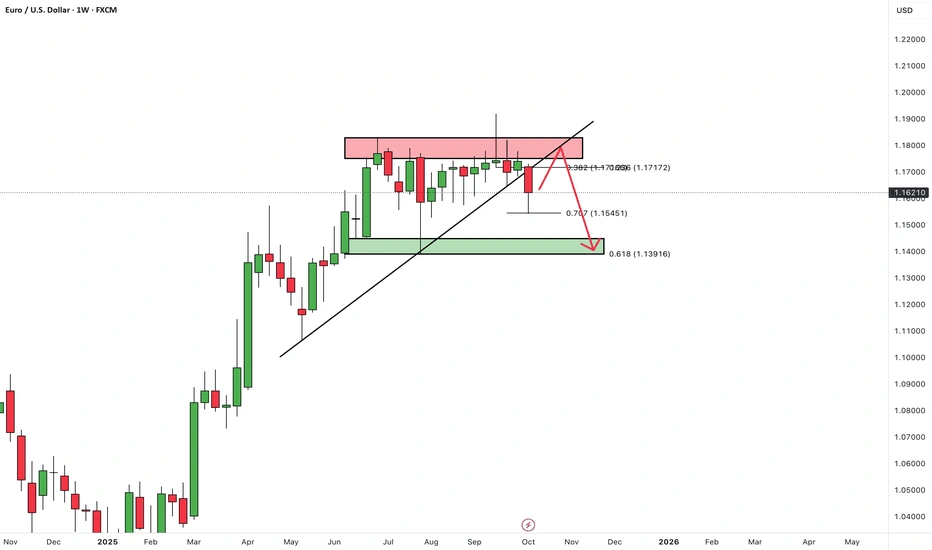
Image Source: TradingView
With over 60 million traders and investors worldwide [4] , TradingView positions itself as a powerful charting platform with unique features. This web-based solution offers unparalleled versatility for financial market analysis from any device.
Interactive charts in TradingView
TradingView stands out for its more than 15 different chart types [6] with the ability to display up to 8 charts per tab [19] . It includes more than 100 pre-configured technical indicators [6] and 50 smart drawing tools [4] for detailed analysis. Furthermore, it provides access to powerful, specialized filters for the stock and currency markets [6] .
TradingView as a forex simulator for mobile devices
The «Paper Trading» feature allows you to simulate trades without financial risk [20] , ideal for testing strategies before applying them with real money [21] . The application is available for iOS and Android devices [22] , with synchronized interfaces across all platforms [19] . It also facilitates trading directly from Super Charts by connecting multiple verified brokers [2] .
Community and copy trading
TradingView’s distinguishing feature is its integrated social network where users share ideas, analysis, and strategies [19] . Copy trading allows you to automatically link trades with another account [3] , proportionally adjusting the invested capital to your budget. Furthermore, the platform makes it easy to follow experienced traders and participate in market discussions [4] .
AvaTradeGO
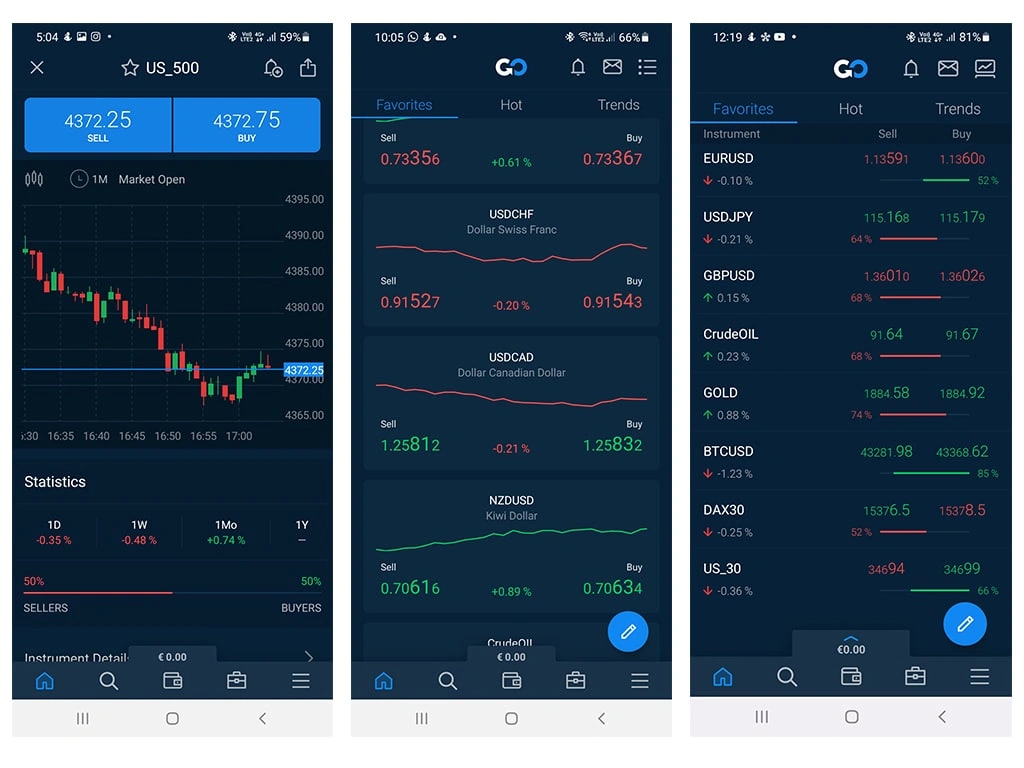
Image Source: Forex Explained
AvaTradeGO represents AvaTrade’s exclusive offering in the world of mobile trading applications. This proprietary platform stands out for providing a simplified experience without sacrificing professional features.
Key features of AvaTradeGO
The application provides an interactive and user-friendly environment that allows users to open trading accounts, make deposits, and trade from any location [5] . It also incorporates advanced charts with various technical indicators. As a forex simulator, it offers access to over 250 financial instruments [23] , allowing users to test strategies without risking real capital through its unlimited demo accounts [24] .
AvaProtect and risk management
Undoubtedly, the differentiating factor of this top forex simulator is AvaProtect, an exclusive tool that functions as a «virtual insurance» for trades [25] . For a one-time fee, it protects positions against adverse movements for a specified period [26] . If the trade incurs losses during the protected time, AvaTrade fully reimburses the lost amount [23] . This feature is available for trading currency pairs and precious metals [25] .
Mobile compatibility and ease of use
The application is available for:
- iOS (iPhone and iPad)
- Android [27]
Its intuitive interface makes navigation easy, even for beginners. As an alternative MT4 forex simulator, it allows you to test the same strategies you would use on traditional platforms, but with the added benefit of mobility and exclusive risk management tools.
eToro App
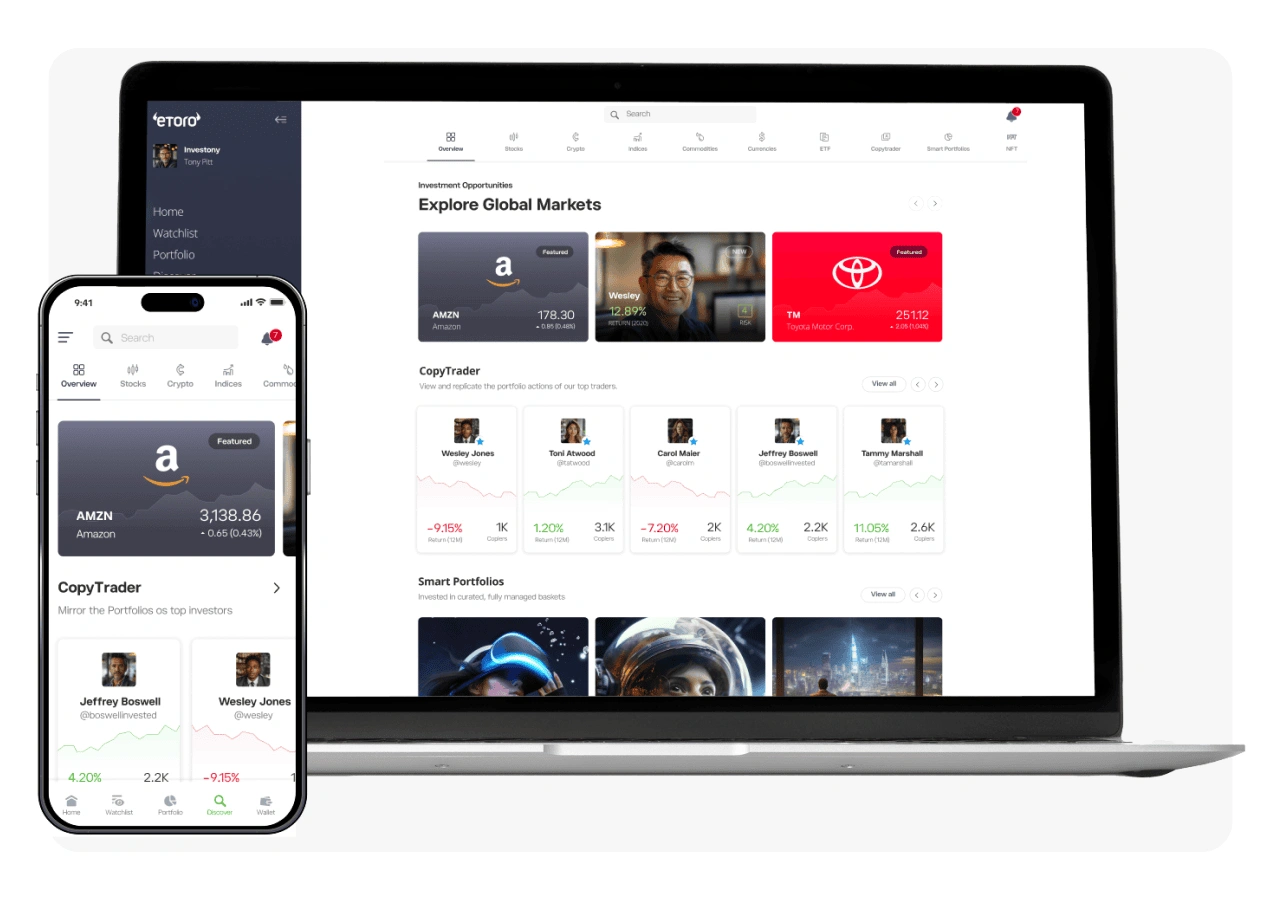
Image Source: eToro
Founded in 2007, eToro offers a multi-asset platform connecting over 40 million registered users in 75 countries [28] . Its approach revolutionizes traditional trading by integrating social networking features to make the experience more interactive.
Copy Trading on eToro
The CopyTrader feature allows you to automatically replicate the trades of other investors in real time. When they trade, you trade too, without needing to constantly monitor the markets [7] . To get started, simply select an investor, specify the amount to invest, and click «Copy.» The minimum investment is EUR 190.84, with a minimum cost of EUR 0.95 per copied position [7] . You can also create a team of up to 100 traders working simultaneously for you [7] .
Forex simulator with virtual portfolio
When you sign up for eToro, you automatically receive a free virtual portfolio of $100,000 [7] . This demo account allows you to experiment without financial risk, testing different strategies and familiarizing yourself with the platform [29] . Notably, all features are available in demo mode, including CopyTrader [29] . This forex simulator is based on real-time markets and does not expire or close due to inactivity [30] .
Social and educational interface
The mobile app, available for iOS and Android, offers all the features of the web version [11] . It also provides real-time notifications about relevant events to help users make informed decisions [11] . eToro makes it easy to connect with other investors, chat with them, and discuss strategies [7] . Furthermore, its Academy provides accessible educational resources to enhance financial knowledge [10] .
XTB xStation Mobile
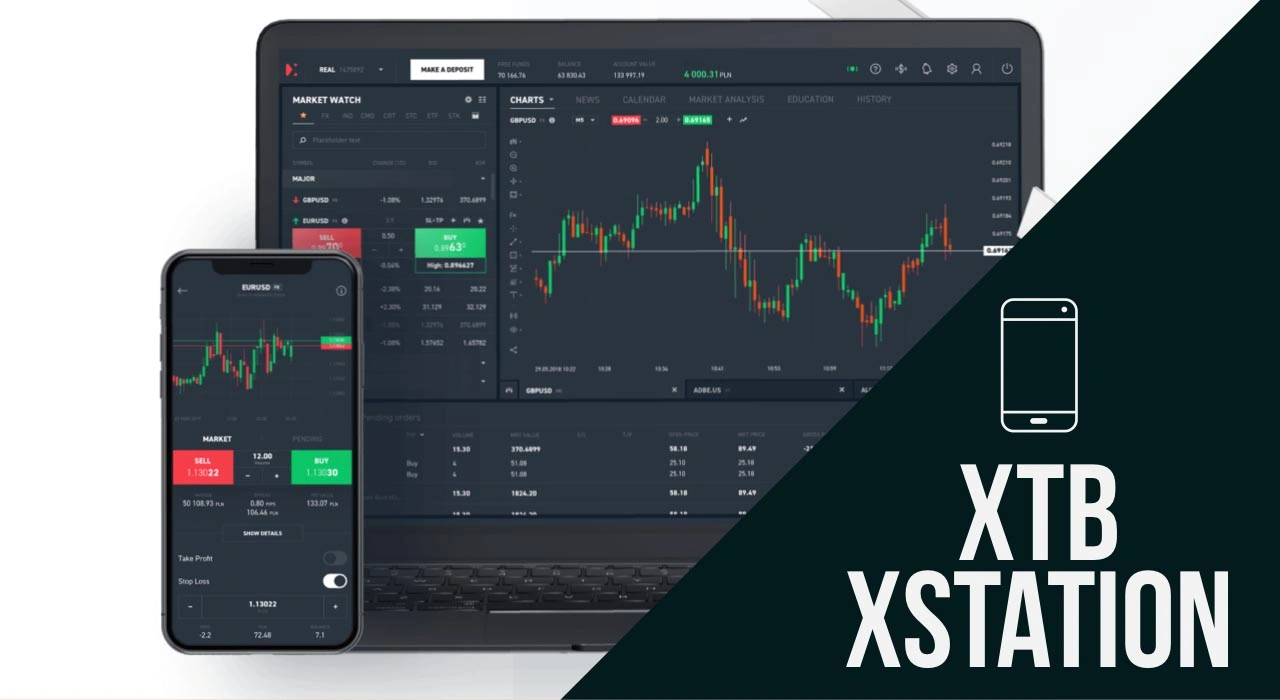
Image Source: Best Online Brokers – Stock, Forex, CFD, Binary Options, Futures…
XTB and its xStation platform stand out as one of the most intuitive options on the market for trading from mobile devices. With over 5 million total downloads [31] , this application has established itself as a competitive and comprehensive forex simulator.
xStation’s intuitive design
The xStation 5 platform has won multiple awards thanks to its customizable interface [32] . Its design allows for easy switching between light and dark color profiles [33] , adapting to each user’s visual preferences. Furthermore, the screen layout is fully adjustable, allowing users to move tabs and add new sections [34] . Navigation is undoubtedly smooth, even for beginners, thanks to its one-click trading system [35] .
Forex simulator with real-time news
As a forex simulator, xStation provides access to over 20 daily news articles and analyses in Spanish [36] . It also includes a comprehensive economic calendar that reflects the most relevant macroeconomic news, its timing, and its potential impact on the markets [37] . Notably, users can set price alerts to avoid missing important opportunities [36] . Furthermore, it offers market sentiment information, showing how other investors are positioned [36] .
Accessibility and tools
The app is available for iOS and Android devices [32] , maintaining excellent ratings: 4.7/5 on the App Store and 4.4/5 on Google Play [31] . Its key features include:
- More than 35 technical indicators for advanced analysis [36]
- Free demo account to practice without risk [38]
- Access to more than 2,000 financial instruments [39]
For traders interested in education, xStation incorporates built-in tutorials and explanatory videos [40] that facilitate continuous learning while trading.
IC Markets Mobile
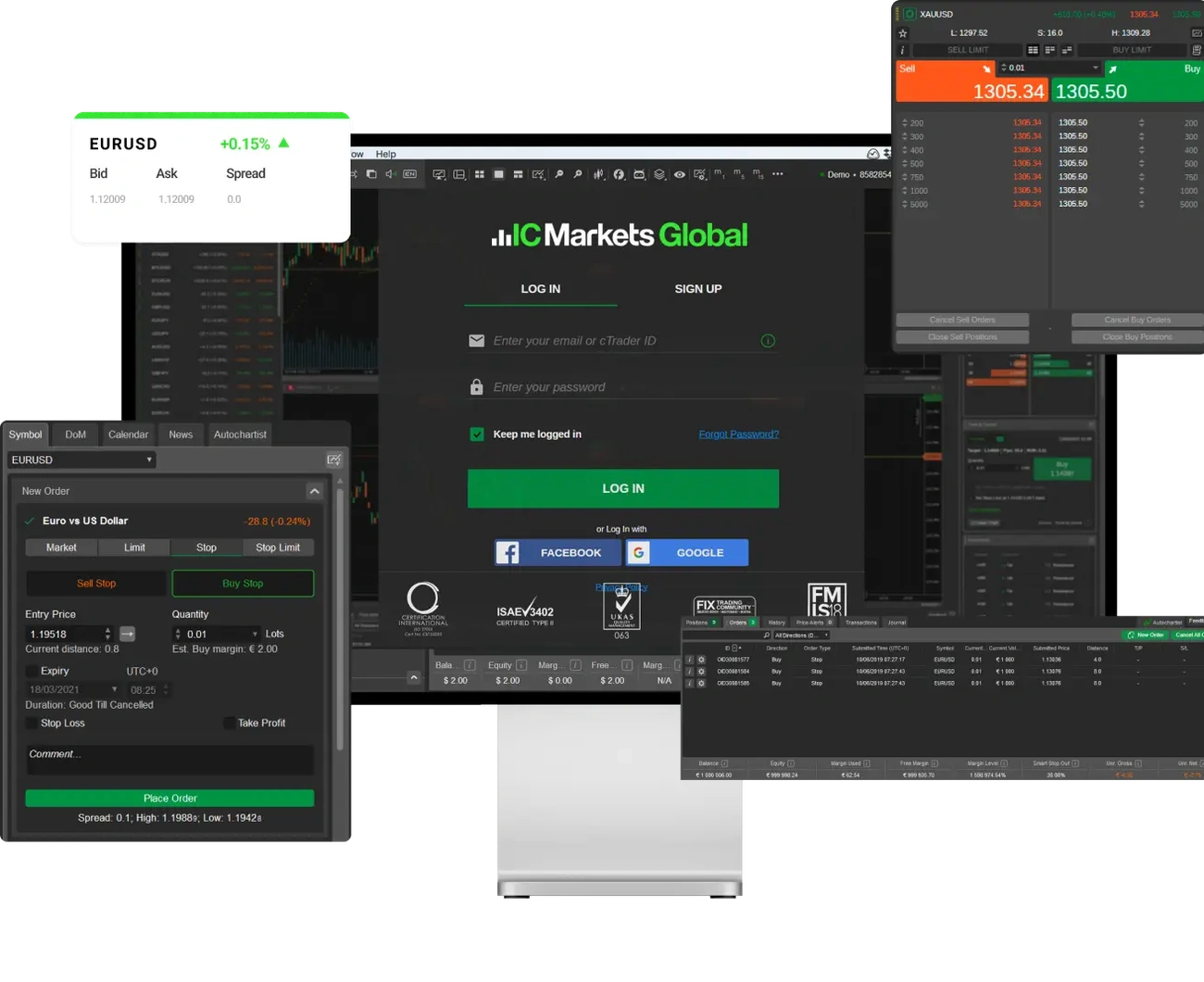
Image Source: IC Markets
IC Markets stands out in the mobile forex simulator landscape for its focus on speed and efficiency. Its market presence is reinforced by a monthly turnover of $1.11 billion and more than 180,000 customers in 2022 [41] .
Low spreads and fast execution
IC Markets’ spreads start from 0.0 pips [42] , with an average EUR/USD spread of just 0.1 pips [42] , placing it among the most competitive in the industry. Furthermore, order execution speeds reach 40 ms [42] , ideal for scalping and high-frequency trading strategies. This performance is achieved through servers strategically located in the Equinix NY4 data center in New York [12] .
Forex simulator with multiple platforms
As a forex simulator, IC Markets provides access to over 2,250 tradable instruments [43] with leverage up to 1:500 [43] . Direct connectivity ensures accurate pricing [43] , while technical support is available 24/7 [43] . Furthermore, it offers micro lots starting from 0.01 [43] , allowing for effective risk management even on demo accounts.
Support for MT4, MT5 and cTrader
IC Markets’ mobile versatility is evident in its compatibility with:
- MetaTrader 4 and 5 for Android and iOS
- cTrader for mobile devices
- TradingView mobile version
Likewise, the cTrader app provides the same functionality as the desktop version [44] , facilitating effective technical analysis from any location. Its intuitive interface allows for one-click trading directly from the charts.
FP Markets App
Image Source: FP Markets
FP Markets establishes itself as a versatile forex simulator with over 10,000 tradable CFD products in global financial markets [45] . Its comprehensive approach facilitates mobile trading without sacrificing advanced features.
Access to multiple assets
FP Markets offers a wide selection of instruments, including over 70 currency pairs with competitive spreads [46] . It also provides access to numerous commodities, stock indices such as the S&P 500 and FTSE 100 [8] , precious metals, popular cryptocurrencies like Bitcoin and Ethereum, and over 200 ETFs [9] . This diversity allows you to create varied strategies while practicing without financial risk.
Forex simulator with demo accounts
The free FP Markets demo account comes pre-loaded with 100,000 in virtual funds [47] and remains active for 30 days [48] . Notably, you can open up to 10 demo accounts with the same email address [48] , which is perfect for testing different strategies simultaneously. This feature allows you to identify high-risk trading situations before committing real capital [49] .
Compatible platforms and regulation
Mobile applications are available for Android and iOS devices [8] , maintaining the same functionality as the desktop versions. FP Markets operates under strict regulations from ASIC, CySEC, and FSCA [46] , ensuring investor protection [49] . For mobile traders, it offers full support for MT4, MT5, and cTrader [50] , with order execution times of less than 40 milliseconds [14] .
Fusion Markets App
Image Source: Fusion Markets
Fusion Markets represents an attractive option for those seeking versatility in their mobile forex trading. This Australian platform, established in 2017, has been recognized as a “Best Discount Broker” for five consecutive years (2020–2024) [18] .
Copy trading with Fusion+
Fusion+, Fusion Markets’ exclusive copy trading platform, allows you to automatically replicate the trades of successful traders [18] . The service is free as long as you and your follower trade at least 2.5 lots of FX/Metals monthly; otherwise, there is a fee of USD 9.54 EUR per month [18] . As an approved Master Trader, you can charge performance fees to your clients up to a maximum of 30% [18] . Sharing your strategy is also easy via a unique link that you can send to friends or potential clients.
Forex simulator with no minimum deposit
Unlike other brokers, Fusion Markets does not require high minimum deposits for zero-spread accounts [51] . It also offers demo accounts that allow you to practice risk-free for 30 days [51] . If you fund your account, the demo can be set to unlimited [51] , providing an ideal environment for refining strategies before trading with real capital.
Available mobile platforms
Fusion Markets supports multiple mobile platforms, including:
The mobile version of cTrader stands out for its 26 time periods and more than 70 available indicators [17] , allowing detailed analysis from any location.
XM App
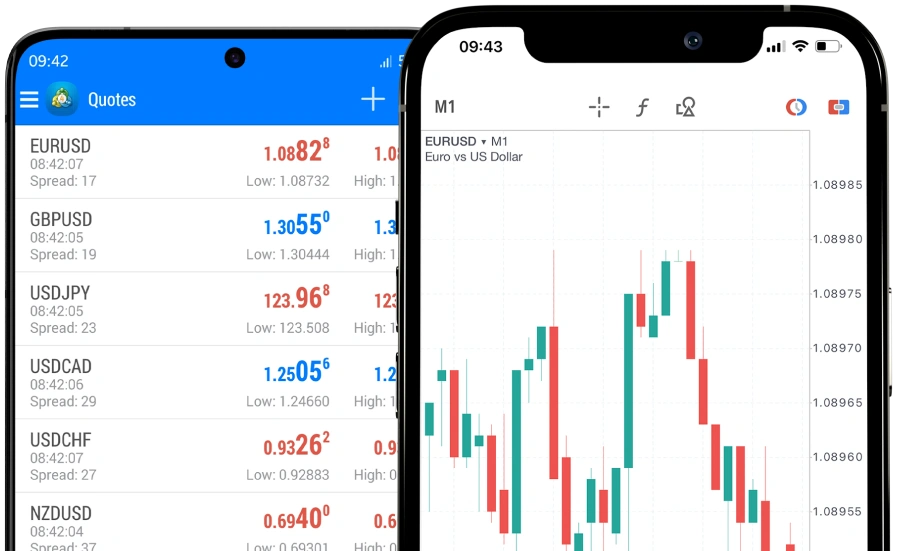
Image Source: www.xmtrading.com
For over 15 years, XM has built a solid reputation among more than 15 million traders worldwide [54] . Its mobile app stands out for combining analytical power with ease of use, offering essential tools for trading from anywhere.
Access to over 1000 instruments
XM provides a wide range of financial instruments, including currencies, stocks, commodities, indices, and precious metals [1] . This diversity allows you to create varied strategies as you explore different market sectors. Furthermore, all these instruments are available both in live accounts and on the forex simulator.
Forex simulator with instant execution
The platform stands out for its ultra-fast execution, with 99.35% of all trades processed in less than one second [55] . XM’s best forex simulator allows you to practice without risking real funds through a free and unlimited demo account [56] . This feature is ideal for both beginners and experienced traders who want to test new strategies.
Multilingual education and support
XM offers a comprehensive educational program that includes daily interactive webinars and live sessions [57] . It also provides 24/7 support in more than 30 different languages [56] , allowing you to get answers to any questions regardless of your location or time zone. The live learning rooms cover a wide range of topics, from currency pair analysis to interpreting macroeconomic events [57] .
Tickmill App
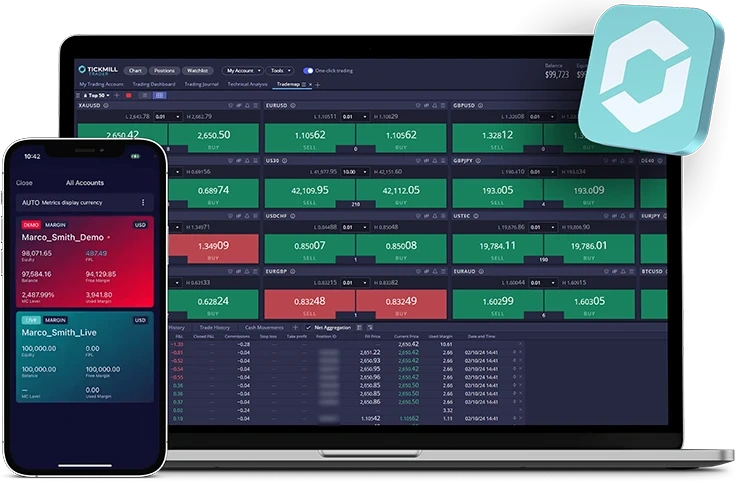
Image Source: Tickmill
Backed by top-tier regulations in multiple jurisdictions, Tickmill offers a comprehensive and secure mobile trading experience. Its app facilitates end-to-end management from anywhere through intuitive interfaces.
Manage accounts from your mobile device
The Tickmill app allows users to create accounts, deposit, withdraw, and transfer funds directly from their phone [16] . It also features facial and fingerprint recognition login for enhanced security [16] . Furthermore, it facilitates document management and access to live support without requiring other devices [16] . Notably, it allows users to switch between real and demo accounts with a single click [13] .
Forex simulator with multiple account types
As a forex simulator, Tickmill offers three main account types: Classic (commission-free), Raw (with spreads from 0 pips), and TradingView Raw [58] . The minimum deposit is EUR 95.42 [59] , while leverage varies between 1:30 and 1:500 depending on the jurisdiction [59] . Furthermore, the platform supports both MetaTrader 4 and MetaTrader 5 [60] .
Regulation and safety
Tickmill is regulated by prestigious authorities: FCA (UK), CySEC (Cyprus), FSCA (South Africa) and FSA (Seychelles) [61] . Investor protection reaches £85,000 for UK clients and €20,000 for European clients [62] . To ensure secure transactions, it implements advanced SSL encryption technology [63] .
SaxoTraderGO
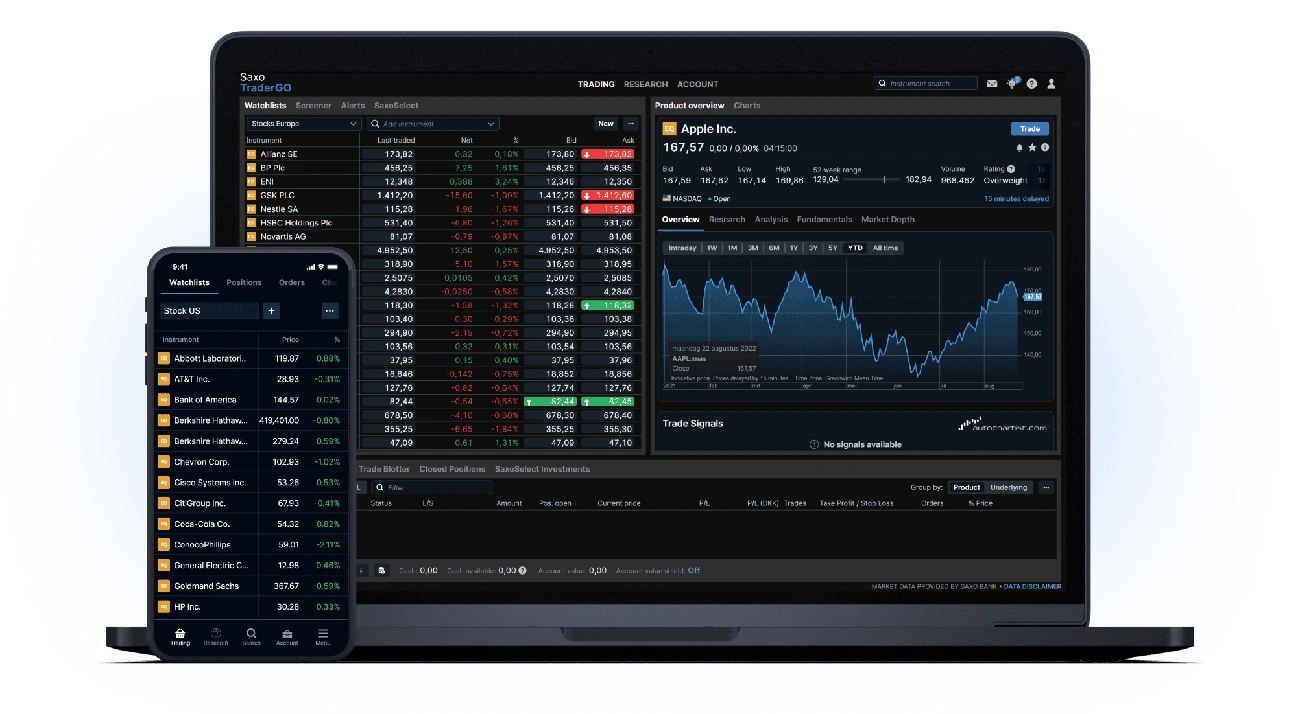
Image Source: Saxo Bank
Saxo Bank is revolutionizing mobile trading with SaxoTraderGO, a comprehensive platform serving over one million customers worldwide. This trading environment stands out for its modern design and ease of use, satisfying both beginners and professionals in the financial sector.
Forex simulator with over 70,000 instruments
SaxoTraderGO offers global access to over 70,000 financial instruments from a single account [15] . This impressive range spans from stocks and options to forex, enabling diversified strategies without the need for multiple platforms. Furthermore, instrument search is exceptionally efficient, with results grouped by asset class to quickly locate specific opportunities [64] .
Professional analysis tools
As a forex simulator, SaxoTraderGO incorporates sophisticated technical analysis and risk management tools [15] . It also provides real-time market data along with advanced watchlists that include trading signals, analyst ratings, and target prices [15] . Furthermore, the platform allows users to configure multiple types of alerts: prices, opening/closing positions, portfolio changes, and margin calls [64] .
Access via browser and app
SaxoTraderGO’s versatility is evident in its accessibility: it functions both as a mobile application (available on the Apple App Store and Google Play) and as a web-based platform accessible from any browser [65] . Notably, it incorporates two-step authentication, price alerts, and confirmations after successful trades [65] . The environment is fully customizable, allowing users to adjust the interface according to their individual preferences [64] .
Comparison Table
| Simulator | Supported Platforms | Available Instruments | Technical Indicators | Key Features | Demo Account |
| MetaTrader 4 Mobile | Android 4.0+, iOS | Not mentioned | 30 indicators | One-click trading, 3 types of charts | Available |
| MetaTrader 5 Mobile | Android, iOS | Forex, Stocks, Futures | 100+ indicators | Economic Calendar, Market Depth | Available virtual balance |
| cTrader App | Android, iOS, Amazon, Huawei, Samsung | Not mentioned | 50+ indicators | DOM Level II, 26 time frames | Not mentioned |
| TradingView App | iOS, Android | Multiple markets | 100+ indicators | 15 types of charts, Integrated social network | Paper trading available |
| AvaTradeGO | iOS, Android | 250+ instruments | Not mentioned | AvaProtect, Loss Protection | Unlimited demo accounts |
| eToro App | iOS, Android | Not mentioned | Not mentioned | CopyTrader, Integrated Social Network | $100,000 virtual |
| XTB xStation Mobile | iOS, Android | 2,000+ instruments | 35+ indicators | One-click trading, real-time news | Free demo |
| IC Markets Mobile | iOS, Android | 2,250+ instruments | Not mentioned | Spreads from 0.0 pips, Execution 40ms | Available |
| FP Markets App | iOS, Android | 10,000+ CFD products | Not mentioned | MT4, MT5 and cTrader support | 100,000 virtual funds |
| Fusion Markets App | iOS, Android | Not mentioned | 70+ indicators | Fusion+ copy trading, No minimum deposit | 30-day demo |
| XM App | iOS, Android | 1,000+ instruments | Not mentioned | 99.35% instant execution | Unlimited free demo |
| Tickmill App | iOS, Android | Not mentioned | Not mentioned | Biometric login, complete management | Available |
| SaxoTraderGO | iOS, Android, Web | 70,000+ instruments | Not mentioned | Advanced watchlists, multiple alerts | Not mentioned |
Conclusion
After analyzing these 13 platforms, it’s clear that the best mobile forex simulator will depend on your specific needs as a trader. Undoubtedly, each app offers unique advantages that might be a better fit for your personal trading style.
The initial statistics don’t lie: between 65% and 89% of retail investors lose money in forex. For this reason, practicing with a simulator before risking real capital is essential to increase your chances of success.
MetaTrader 4 and 5 remain popular choices thanks to their robustness and widespread market adoption. Meanwhile, alternatives like cTrader stand out for their advanced technical analysis capabilities with 26 available timeframes.
Additionally, platforms like eToro and Fusion Markets offer copy trading features that allow you to replicate the trades of experienced traders. This feature is especially valuable for beginners looking to learn effective strategies.
The free demo accounts available on almost all of these simulators allow you to test different approaches without financial pressure. While you might be tempted to jump straight into real trading, keep in mind that these virtual environments are an irreplaceable educational tool.
Finally, remember that the best forex simulator is the one that best replicates real market conditions while adapting to your specific needs. Whether you’re looking for a platform with thousands of financial instruments like SaxoTraderGO, or you prefer the ultra-fast execution of XM with its 99.35% instant trades, the important thing is to practice consistently before committing your real capital.
Your success in trading will not depend solely on the platform you choose, but on how you use these tools to develop and refine your personal strategy.
In summary
Discover the essential points for choosing the best mobile forex simulator and maximizing your learning before risking real capital:
• Practice before investing : Between 65-89% of retail traders lose money in forex, so using simulators is essential to develop risk-free strategies.
• MetaTrader 4/5 dominate the market : These platforms offer 30-100+ technical indicators, one-click trading, and universal compatibility with mobile devices.
• Explore innovative alternatives : cTrader stands out with 26 timeframes, TradingView offers an integrated social network, and eToro provides automated copy trading.
• Take advantage of free demo accounts : Most offer virtual funds (starting at $100,000) and unlimited periods to perfect techniques without financial pressure.
• Consider specific features : Look for fast execution (40ms at IC Markets), low spreads (from 0.0 pips), and unique tools like AvaProtect for risk management.
Success in forex depends not only on the platform chosen, but also on how you use these tools to develop a solid strategy before trading with real money.
FAQs
Q1. What is the best mobile app for trading Forex? There is no single «best» app, as it depends on the specific needs of each trader. MetaTrader 4 and 5 are very popular for their robustness, while platforms like cTrader and TradingView offer advanced technical analysis features and integrated social media.
Q2. What advantages does using artificial intelligence offer in Forex trading? AI in Forex can provide faster and more accurate market analysis, identification of complex patterns, and automated trade execution. However, it is important to combine these tools with your own knowledge and strategy.
Q3. When do the Forex markets operate in 2025? The Forex markets operate 24 hours a day, 5 days a week. In 2025, as usual, they will open on Sundays at 9:00 PM GMT and close on Fridays at 9:00 PM GMT. It is important to check the exact times with your broker, as they may vary slightly.
Q4. Is Forex trading profitable for retail investors in 2025? Profitability in Forex remains a challenge for retail investors. According to recent studies, only around 23% of retail traders manage to achieve net profits after 12 months. This underscores the importance of education, practice with simulators, and proper risk management.
Q5. What features should I look for in a mobile Forex simulator? A good mobile Forex simulator should offer a wide range of financial instruments, technical analysis tools, fast order execution, and an intuitive interface. Additional features such as free demo accounts, copy trading, and built-in education can be very valuable for improving your trading skills.
References
[1] – https://es.investing.com/brokers/reviews/xm-group/
[2] – https://es.tradingview.com/support/solutions/43000756695/
[3] – https://es.tradingview.com/ideas/copytrading/
[4] – https://www.ig.com/latam/plataformas-trading/tradingview/que-es-tradingview-y-como-se-utiliza
[5] – https://support.avatrade.com/hc/es-419/articles/360001759752–Cuáls-son-las-ventajas-de-Aplicación-de-trading-AvaTrade
[6] – https://www.fpmarkets.com/es-es/education/trading-tips/tradingview-vs-metatrader-que-plataforma-es-mejor-para-forex/
[7] – [8] – https://www.etoro.com/es/copytrader/ [9] – https://es.investing.com/brokers/reviews/fp-markets/ [10] – https://www.fpmarkets.com/es-es/plataformas-trading/ [11] – https://www.etoro.com/es/news-and-analysis/etoro-updates/etoro-se-asocia-con-x-para-llevar-a-la-plataforma-contenidos-de-educacion-financiera-accesibles-y-de-calidad/ [12] – https://www.etoro.com/es/trading/platforms/mobile/ [13] – https://www.icmarkets.eu/ss/plataforma-de-trading-metatrader/metatrader-5 [14] – https://www.tickmill.com/es/about/faq/category/account-information-es [14] – https://www.fpmarkets.com/es-es/plataformas-trading/metatrader-5/ [15] – https://play.google.com/store/apps/details/SaxoTraderGO?id=com.saxobank.go&hl=en_ZA [16] – https://www.tickmill.com/eu/es/trading-platforms/mobile-app [17] – https://fusionmarkets.com/es/Platforms/cTrader-Mobile [18] – https://fusionmarkets.com/es/Platforms/Fusion-plus [19] – https://www.vantagemarkets.com/es/academy/metatrader-vs-tradingview/ [20] – https://www.easymarkets.com/eu/es-es/learn-centre/get-to-know-tradingview/what-is-tradingview/ [21] – https://www.infusioninvestments.com/blog/tradingview-opiniones [22] – https://www.swissquote.com/es-row/private/trade/platforms/forex-cfds/tradingview [23] – https://fintechfinder.com/es/plataformas/avatrade-espana-comisiones-opiniones/ [24] – https://www.avatrade.es/demo-account [25] – https://www.tecnicasdetrading.com/2020/02/avaprotect-herramienta-avatrade-para-proteger-operaciones-trader.html [26] –
https://www.avatrade.es/educacion/trading-platforms-tutorials-es/avaprotect-webtrader-and-avatrade-app
[27] – https://support.avatrade.com/hc/es/articles/360001760172–Qué-sistemas-operativos-móviles-son-compatibles
[28] – https://www.etoro.com/es/news-and-analysis/etoro-updates/etoro-emplea-la-ia-para-revolucionar-la-inversion-social/
[29] – https://www.etoro.com/es/trading/demo-account/
[30] – https://es.dailyforex.com/forex-brokers/etoro-review/demo
[31] – https://tradersunion.com/es/brokers/forex/view/xtb/mobile-app-top-pros-and-cons/
[32] – https://www.xtb.com/es/centro-de-ayuda/nuestras-plataformas-1/que-plataformas-de-trading-ofrecemos-1
[33] – https://www.xtb.com/es/educacion/graficos-y-personalizacion-en-la-xstation-5
[34] – https://www.xtb.com/es/centro-de-ayuda/nuestras-plataformas-1/diseno-y-personalizacion-de-la-plataforma-xstation
[35] – https://www.fxempire.es/brokers/xtb
[36] – https://apps.apple.com/es/app/xtb-inversión-online/id949905889
[37] – https://www.rankia.com/blog/mejores-brokers/5190908-review-xstation-plataforma-trading-xtb
[38] – https://www.xtb.com/lat/formacion/cuenta-demo-de-trading
[39] – https://www.novatostradingclub.com/herramientas-trading/apps-de-trading/
[40] – https://finantres.com/xstation-vs-metatrader/
[41] – https://tradersunion.com/es/brokers/forex/view/ic-markets/ic-markets-vs-tickmill/ [42] – https://tradersunion.com/es/brokers/forex/view/ic-markets/ic-markets-vs-xtb/ [43] – https://www.icmarkets.com/global/es/trading-platforms [44] – [45] – https://www.icmarkets.eu/ss/plataforma-de-trading-ctrader/ctrader-android [46] – https://www.fpmarkets.com/es-es/education/faq/ [47] – https://fxscouts.com/es/broker/fpmarkets/ [48] – https://brokerchooser.com/es/broker-reviews/fp-markets-review/fp-markets-demo-account [49] – https://investingoal.es/cuenta-demo-fp-markets/ [ 50] – https://www.fpmarkets.com/es-es/regulation/ [ 51] – https://www.tradingpedia.com/trading-apps/fusion-markets-mobile-trading-app/
[52] – https://fusionmarkets.com/es/Platforms/MT4Mobile
[53] – https://fusionmarkets.com/es
[54] – https://play.google.com/store/apps/details/XM_Trading_Point?id=com.xm.webapp&hl=es_SV
[55] – https://www.bestbrokers.com/es/reviews/xm/
[56] – https://play.google.com/store/apps/details?id=com.xm.webapp.connect&hl=es_PR
[57] – https://www.xm.com/es/learning-center
[58] – https://www.tickmill.com/es
[59] – https://tradersunion.com/es/brokers/forex/view/fxpro/fxpro-vs-tickmill/
[60] – [ 61] – https://www.tickmill.com/es/about/faq/where-is-tickmill-regulated [62] – https://brokerchooser.com/es/broker-reviews/tickmill-review/is-tickmill-legit [63] – https://www.rationalfx.com/es/forex-brokers/tickmill/ [64] – https://brokerchooser.com/es/broker-reviews/saxo-bank-review/trading-platform [65] – https://www.bestbrokers.com/es/forex-brokers/best-forex-trading-apps/